Best Travel Apps for International Travel (That I Actually Use After 15 Years on the Road)
Travel is easier than it’s ever been.
But it’s also easier than ever to overcomplicate it.
There are hundreds of travel apps now. Flight trackers. Budget planners. Itinerary builders. Currency converters. AI travel assistants.
You don’t need all of them.
You need a few that actually work — the ones that help you figure out the logistics so you can stop staring at your phone and actually enjoy the place you travelled all that way to see.
After 16 years on the road and 50+ countries later, these are the travel apps I actually use.
Not 30 apps.
Not constant notifications.
Just the ones that make travel smoother.
Because the goal of travel apps should be simple:
Solve the problem quickly… and then put the phone away.
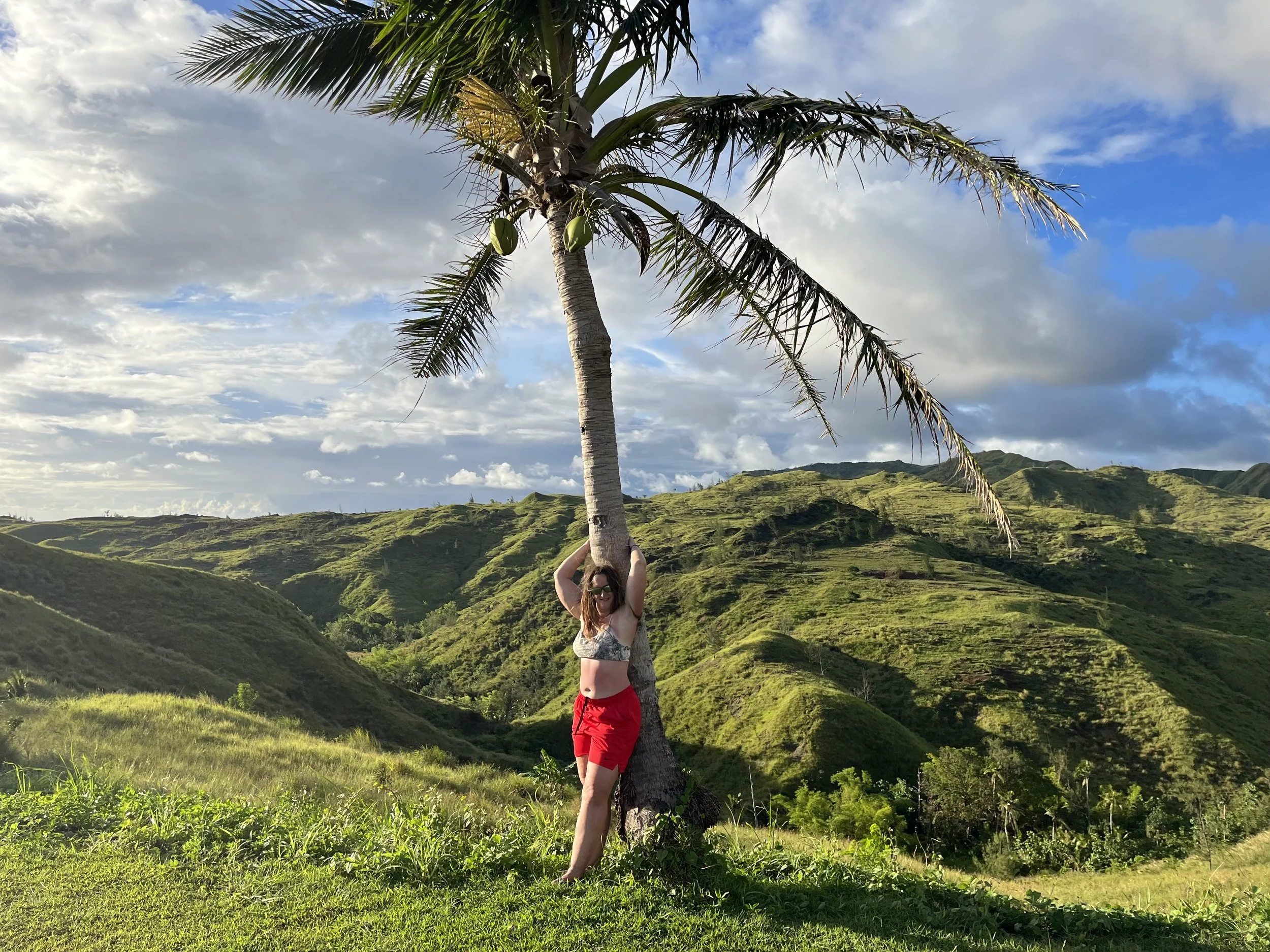
Travel apps help with the logistics — but the real reason we travel is moments like this.
✈️ Finding Flights – Skyscanner
What I use it for:
• Comparing airlines
• Seeing pricing trends
• Setting price alerts
Why I like it:
Skyscanner makes it easy to see flight options quickly. I can adjust dates, compare routes, and get a general sense of what prices should look like.
One of the most useful features is the price alert tool. If you’re not ready to book immediately, you can set an alert and get an email when prices increase or decrease.
It saves you from constantly checking flights every day.
💡 JD Tip: Turn on price alerts early. Watching price trends for a week or two can make a big difference.

Finding the right flight takes minutes. The adventure lasts much longer.
🏨 Accommodation – Booking.com
What I use it for:
• Hotels
• Hostels
• Apartments
• Unique stays
Why I like it:
The map view is the first thing I open.
I zoom in on neighbourhoods, check walking distance to attractions, and look for public transportation nearby. In smaller towns, I check if everything is within walking distance.
The reviews and rating system are also surprisingly accurate most of the time. I always read recent reviews to see if anything has changed.
I also like the Genius discounts and loyalty perks. The more you book, the better the discounts get over time.
💡 JD Tip: Always read the newest reviews, not just the overall rating. Standards can change quickly.

Finding the right place to stay makes every trip a little more fun.
📶 Data – Airalo
What I use it for:
• eSIM data plans
• Avoiding SIM card kiosks
• Landing with instant connectivity
Why I like it:
Instead of searching for SIM cards when I land, I already have data working on my phone.
For solo travelers especially, having data immediately makes travel feel much safer and easier.
💡 JD Tip: Check that your phone supports eSIM before purchasing a plan.
🚆 Transportation – Rome2Rio
What I use it for:
• Comparing train, bus, ferry, and flights
• Understanding transportation options between cities
Why I like it:
Rome2Rio gives you a quick overview of how to get from one place to another.
It’s not always perfectly accurate, but it’s a great starting point before you start checking local transportation websites.
💡 JD Tip: Use it as a planning guide — then confirm details directly with the transportation provider.

Not all transportation is buses and airports — sometimes the journey itself is part of the adventure.
🌍 Government Travel Info – Travel Canada
What I use it for:
• Entry requirements
• Visa information
• Travel advisories
• Health recommendations
Why I like it:
It’s official and reliable.
Instead of guessing what entry rules might be, I check government travel websites before I leave.
You can also register your trip so you receive updates if anything changes while you're abroad.
💡 JD Tip: Always double-check entry requirements close to departure — not just when you first book your trip.
🗺 Navigation – Google Maps
What I use it for:
• Walking directions
• Public transportation routes
• Saving locations
• Restaurant research
Why I like it:
Google Maps works almost everywhere and is incredibly easy to use. I usually save my accommodation and a few key places before I arrive.
Important note:
Google Maps does not work properly in China, and in South Korea it’s limited. In Korea, Naver Maps works much better.
💡 JD Tip: Download maps offline before your trip. Even if you plan to have data, it’s a great backup.

Exploring a new city is part adventure, part navigation — and Google Maps is usually my guide.
💱 Currency Conversion – XE
What I use it for:
• Checking exchange rates
• Understanding real prices while traveling
Why I like it:
It’s a quick way to understand what you’re actually spending when you’re dealing with unfamiliar currencies.
💡 JD Tip: If a machine or store offers to charge you in your home currency, say no. Always pay in the local currency.
Also worth noting — Apple’s Calculator now includes a built-in currency converter, which is surprisingly handy if you don’t want to open another app.
🗣 Language – Google Translate
What I use it for:
• Reading menus
• Translating signs
• Basic communication
Why I like it:
The camera translation feature makes a huge difference when you're somewhere where English isn’t widely spoken. You can point your phone at a menu or sign and get an instant translation.
There are also features like speech-to-text and conversation mode, where two people can speak into the phone and it translates back and forth.
In theory, it’s amazing.
In reality, it works better in some situations than others. Sometimes the audio isn’t clear, and occasionally you run into people who can’t read the translated text anyway.
But even with those limits, it’s still one of the most useful travel tools available.
💡 JD Tip: Download languages ahead of time so the app works offline.
💬 Communication – WhatsApp
What I use it for:
• Messaging friends and family
• Contacting hostels and tour operators
• Staying in touch with people I meet while traveling
Why I like it:
Most of the world uses WhatsApp. It works over WiFi or data, and you don’t need a local phone number.
💡 JD Tip: Save important contacts before your trip so you’re not scrambling for information when you land.
Extras (But Not Essentials)
I try not to overload my phone with travel apps.
The goal isn’t to manage travel through a screen. The goal is to enjoy the experience.
But there are a few extras I’ve used over the years.
☀️ Weather App
Simple and built into most phones.
This is probably the app I check the most while traveling.
Before bed.
In the morning.
Before heading out for the day.
Weather can completely change your plans — especially if you're doing outdoor activities, hiking, or exploring new cities.
It’s also useful for local weather alerts you might not be aware of, like severe storms, tornado warnings, or sudden temperature drops.
💡 JD Tip: Always check the weather the night before an adventure. A five-minute check can save you from a very wet or very miserable day.
🎥 GoPro Quik
If you travel with a GoPro, Quik can automatically turn your clips into short videos with music.
It’s a quick way to capture a trip without spending hours editing footage.
I’m still in beginner mode with it, but it’s a simple way to create travel videos.
I’ve heard mixed reviews about the app in the past, but the Pro version has worked well for me so far.
💡 JD Tip: Capture the moment — don’t spend the whole trip editing it.
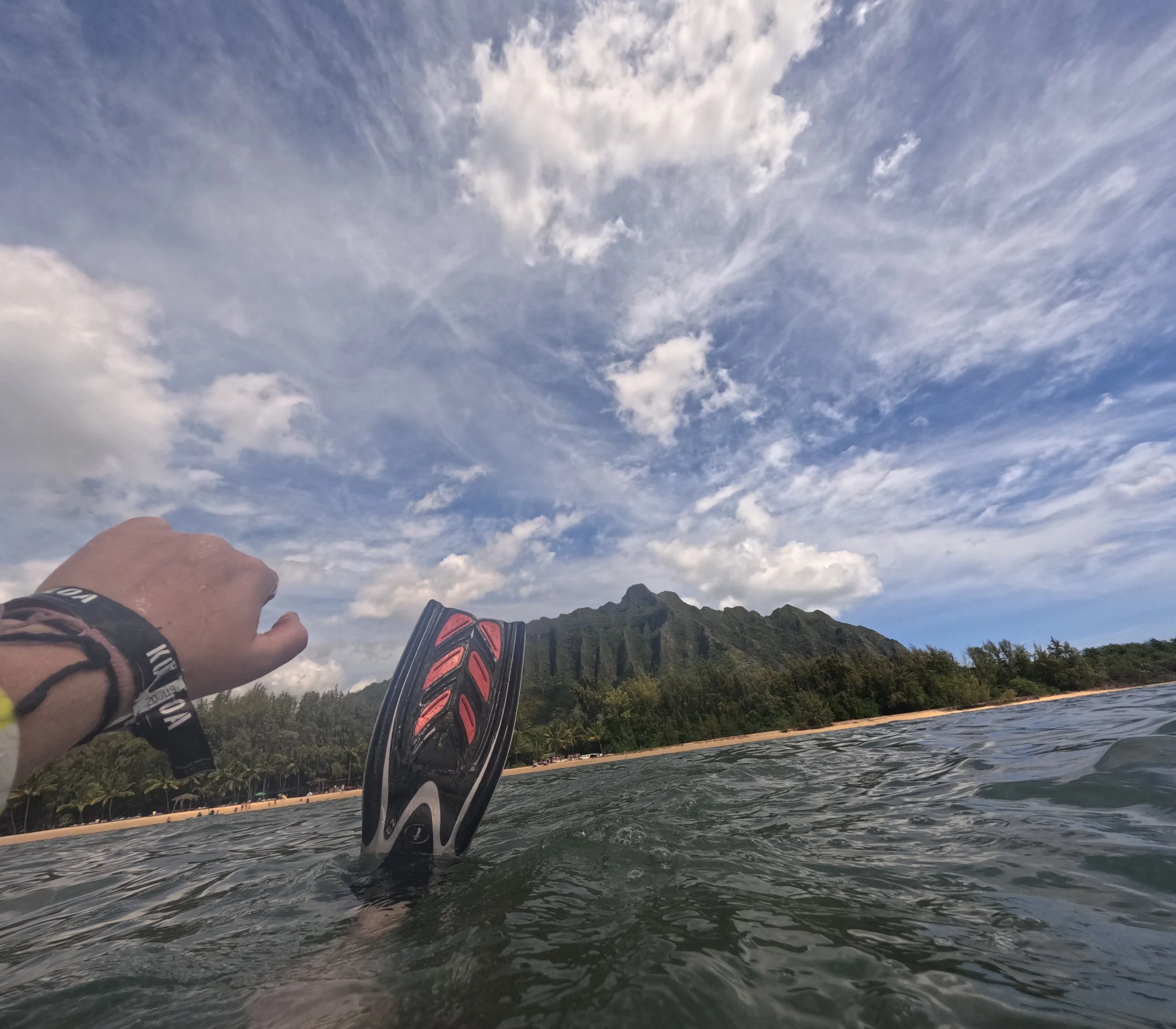
A GoPro lets you capture the moments your phone can’t.
📸 1 Second Everyday
This app lets you record one second of video each day and turns it into a mini timeline of your trip.
It’s a really simple way to document travel without constantly filming.
💰 TravelSpend
I used this app while backpacking through Central America to track my daily spending.
It helped me stay on budget while moving between cities frequently.
I’ve also heard good things about Wanderlog, but I haven’t used it personally yet.
Final Thoughts
The right travel apps don’t replace experience.
They remove friction.
They help you:
• Find the flight
• Book the stay
• Navigate the city
• Translate the menu
• Track your budget
And then?
You put your phone away.
Travel should feel lived in — not constantly managed through a screen.
Download what works.
Ignore what doesn’t.
And once the logistics are handled…
Look up.
The view is better than the screen.
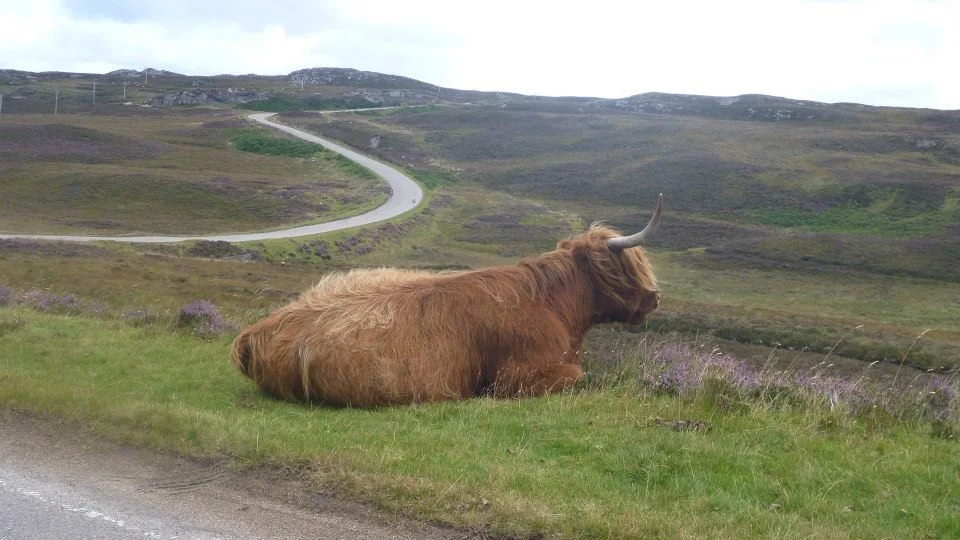
One of those moments you’d miss if you were staring at your phone instead of the road ahead.
